Updating your personal information is important. InpsectionPLUS uses your personal information to insert it into your reports. Key items to keep up-to-date are
- Contact Information
- Signature
- Outbound Email Settings
Contact Information
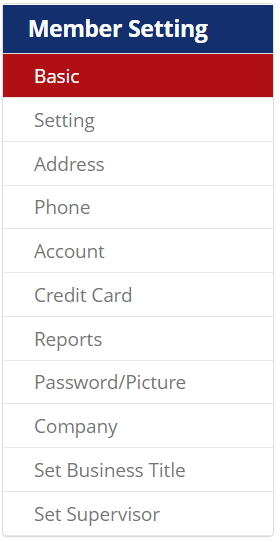
To access your profile settings, double-click “My Profile” or select “Basic” in the red sub-menu.

Use the left-hand menu to view and edit information
Signature Settings
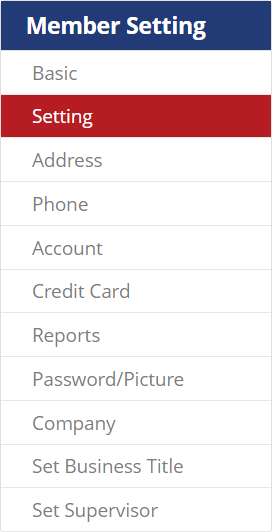
To view, add, or edit your signature select “Setting” in the Member Setting Menu.
Pro Tip: Take a clear photo of your signature on white paper. Avoid using lined paper. Your signature will be added to the end of inspection reports.
Outbound Email Settings
Outbound emails happen when you send reports and certifications to clients from InspectionPLUS. To access & update your outbound email settings click “My Profile” and select “Member Update” in the sub-menu.

Within this menu, you can update your outbound emails, reset your password, and add a profile picture.
Need more specific instructions on how to update your outbound email? Click here to view our detailed guide.