What a Roof Inspection App Has to Do
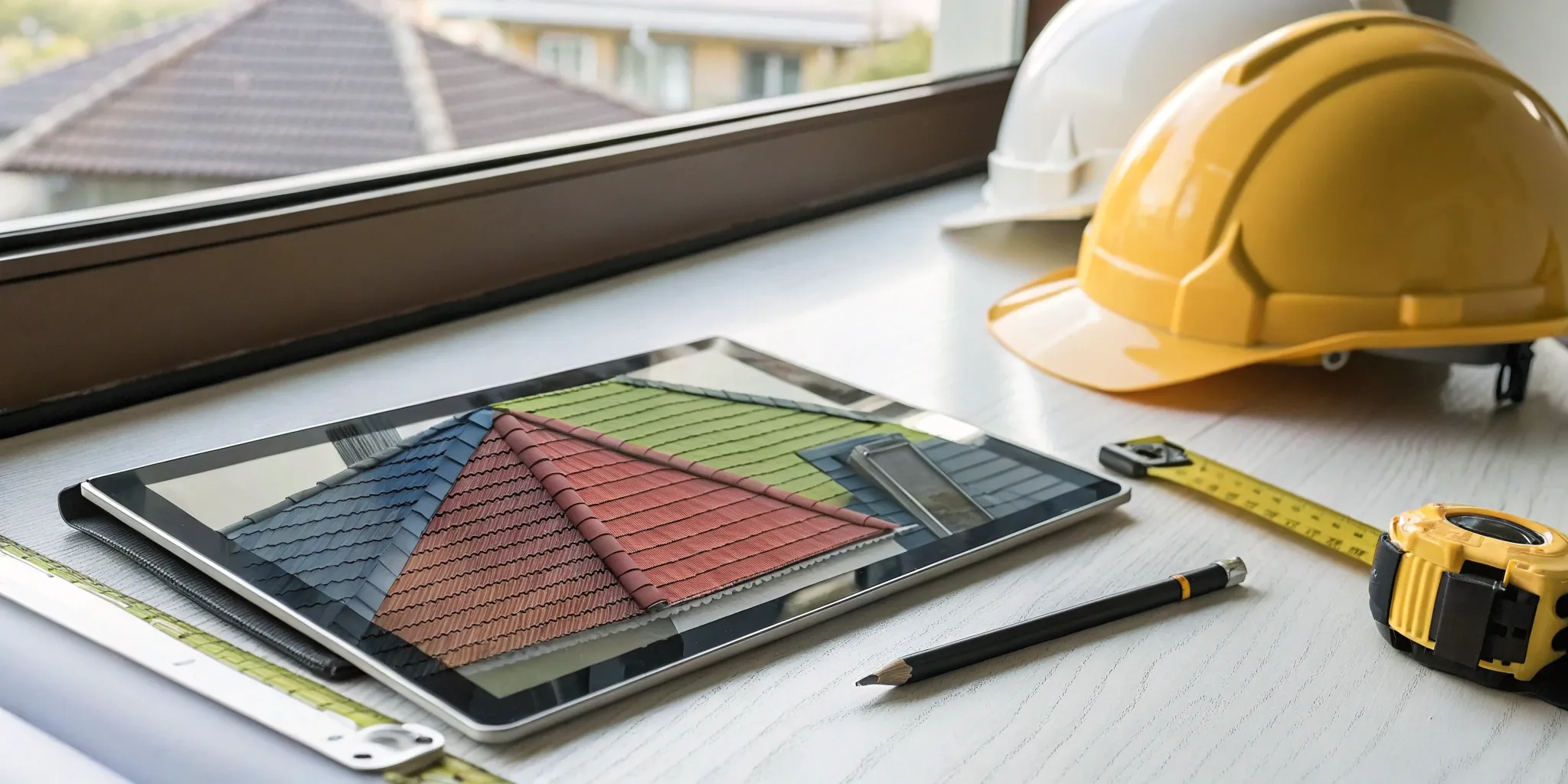
Rain-smudged notes and a camera roll you have to sort at 9 p.m. are not a workflow. A roof inspection app replaces the clipboard, the camera, and the notepad with one device, and it should get the report out of your hands before you leave the property.
Seven platforms are covered below. Before the list, here is the short version of what separates a tool you will still be using in two years from one you abandon in a month.
- Offline capture with automatic sync. Signal fails on rooftops. The inspection cannot.
- Photo handling that scales. Hundreds of images per commercial job, tagged to a zone or a checklist item, with annotation on the image itself.
- GPS and timestamp metadata. This is what makes a photo evidence instead of a picture.
- Templates you control. Your checklist, your language, your logo, your report order.
- Export that looks professional. Clean PDF, readable by a homeowner and by an adjuster.
- Integrations. If the report has to be retyped into your CRM or accounting system, you bought half a tool.
Seven Roof Inspection Apps, Reviewed
1. InspectionPLUS®
NRCIA’s platform, built around the LeakFREE® Check and its five zones: interior, attic, exterior, perimeter, and rooftop. Photos upload in volume and organize by zone. Observations and remedies come from a shared library or from entries you write yourself, which keeps language consistent across a team. Accredited members generate and register every LeakFREE® Roof Certification through it, and a certificate produced outside the platform is not valid. Suited to members and to firms working toward accreditation.
2. SafetyCulture (formerly iAuditor)
A general-purpose inspection platform with deep template building. If your company inspects more than roofs, or you want total control over form logic and data fields, this is the flexible option. Geo-tagged photo and video capture is built in. The tradeoff is that nothing in it is roof-specific out of the box, so you are designing your own checklists.
3. HappyCo
Strong in property management. If your clients are multifamily owners, HOA boards, or portfolio managers, HappyCo’s unit-by-unit inspection model and real-time team sync fit how those clients already work. Reporting is consistent across a portfolio, which matters when the same owner needs forty buildings documented the same way.
4. Spectora
Built for home inspectors and known for modern web-based reports that clients actually read. Video and high-resolution photos embed inline with comments. If a large share of your work comes through real estate agents, the client-facing polish here does real work for you.
5. HomeGauge
Also from the home inspection world, with more of the business wrapped in: scheduling, payments, report writing, and a client portal. Useful if you want one subscription to cover operations rather than stitching several together.
6. 3D Inspection Systems
A long-standing platform with deep customization of layout and language. The learning curve is steeper than most on this list. For inspectors producing technical reports for commercial properties, insurance claims, or exterior elevated element work such as California SB 721 assessments, that control is the point.
7. RoofSnap
Roofing-specific, with measurement as the headline feature. Draw the roof or pull aerial imagery, and get squares and material quantities without a tape measure. Estimating and contract tools sit alongside it. RoofSnap publishes a seven-day trial, so you can measure a few real roofs before committing.
Where the Time Actually Goes
Inspectors who move from paper usually expect to save time on the roof. Most of the saving happens after. Guided checklists cut the back-office rebuild to near zero, because the report assembles itself as you work. Dropdowns and saved comment libraries remove the retyping. Photos land already attached to the finding they illustrate.
Two secondary gains tend to surprise people. Consistency improves across a team, because every inspector is walking the same sequence. And training gets faster, since a new hire follows the checklist rather than a senior inspector’s memory.
What These Apps Cost
Nearly all of them sell subscriptions. The variables are worth understanding before you compare price tags.
- Monthly versus annual. Monthly buys flexibility for seasonal workloads. Annual usually carries a discount.
- Per-user versus flat rate. Per-user suits solo inspectors and small crews. Flat rate makes budgeting predictable once you are hiring.
- Free tiers and trials. Trials commonly run seven to thirty days. Run real inspections during that window, not demo data.
- Setup and training fees. Ask before you sign. Some platforms charge for onboarding or custom template building.
A one-time purchase still exists in a few corners of the market. Read what it includes, because updates and support are often sold separately.
Where Users Say These Tools Fall Short
No platform escapes complaints, and the pattern is consistent across review sites. Interfaces that need a manual do not get adopted, and an app your crew avoids is money spent twice. Digital forms reduce handwriting errors but do not stop a wrong dropdown selection, so review still matters. Generic apps often lack sketching and space measurement for complex commercial roofs. And support quality varies widely. Send a real question during your trial and time the answer.
How to Pick
Start with the bottleneck you actually have. If reports eat your evenings, weight template quality and export. If you run a crew, weight shared templates, permissions, and central storage. If you issue certifications, the platform has to support that workflow end to end, which for NRCIA members means InspectionPLUS®.
Then check the boring things. Does it run on the devices your team already carries. Does it work with no signal. Will it still fit in three years when you have four inspectors instead of one. A tool you outgrow in eighteen months costs more than the subscription.
Join NRCIA and get accredited to work in InspectionPLUS®.
LeakFREE®, Forensic ROOF®, Mr. RoofCheck®, InspectionPLUS®, Today’s Inspection… Tomorrow’s Protection®, and Got Leaks?® are registered trademarks of Field Gate FLP, used by permission. RoofGUARD™, ForensicGUARD™, DisasterGUARD™, E3GUARD™, and Think Like a Raindrop™ are trademarks of Field Gate FLP.